ScamShield Singapore Guide: How to Check, Block & Report Scams
A practical guide to Singapore's ScamShield tools, including scam checks, call blocking, SMS filtering, reporting and the 24/7 helpline.
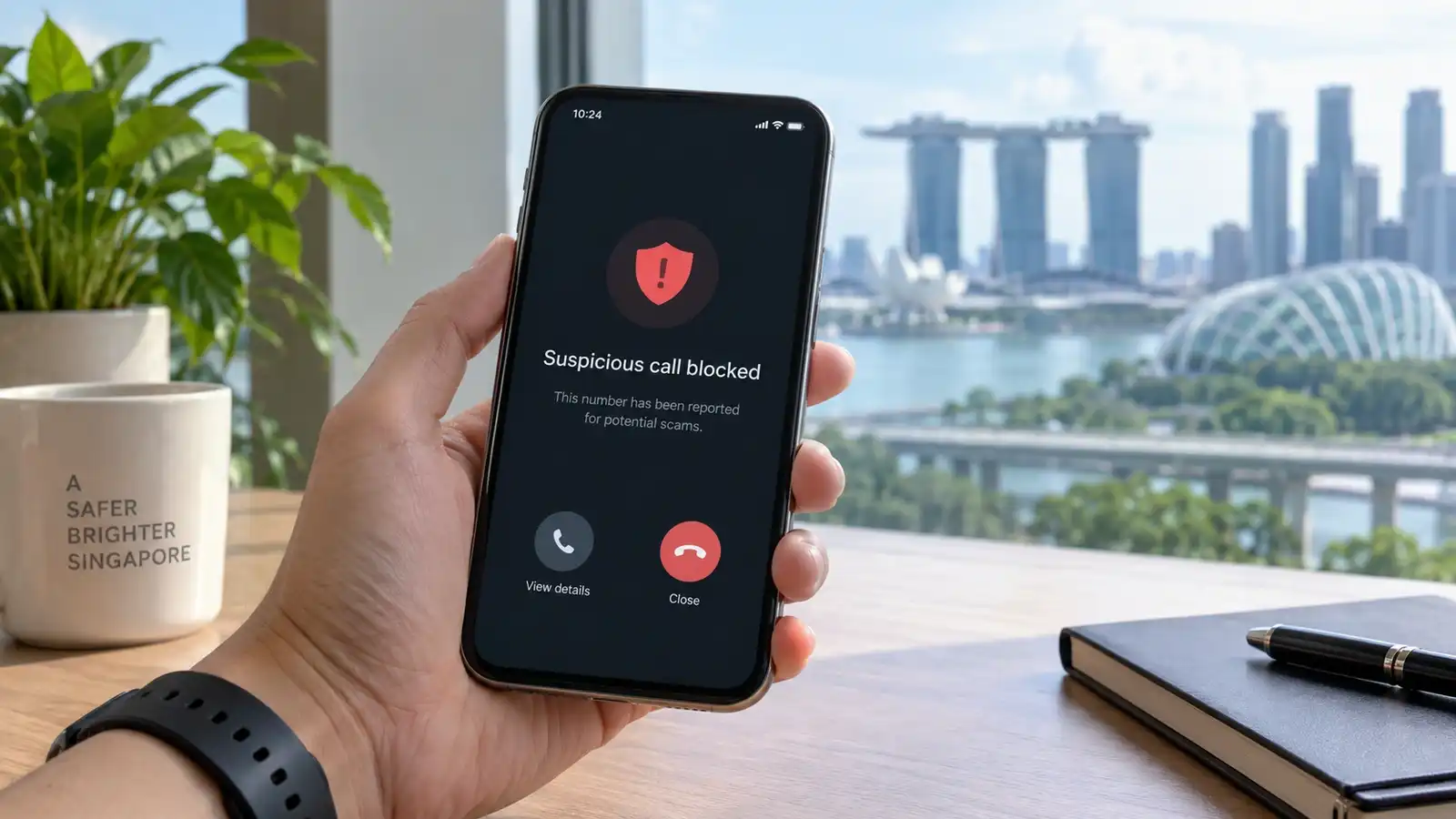
A practical guide to Singapore's ScamShield tools, including scam checks, call blocking, SMS filtering, reporting and the 24/7 helpline.
- Main tools
- App, 1799 Helpline, website and alert channels
- Check feature
- Numbers, messages and website links
- Call protection
- Blocks numbers marked as scams by authorities
- SMS protection
- Filters/detects suspicious SMSes
- Helpline
- 1799, available 24/7
- Important
- A ScamShield report is not the same as an official police report
A practical guide to Singapore's ScamShield tools, including scam checks, call blocking, SMS filtering, reporting and the 24/7 helpline.
Key Takeaways
- Use the app's Check function before acting on a suspicious call, message or link—especially when there is pressure to transfer money or reveal credentials.
- ScamShield can block known scam calls and filter suspicious SMSes, but it is an additional layer rather than a guarantee that every scam will be caught.
- If money has already been transferred, contact your bank immediately and make an official police report; an in-app ScamShield report is not a police report.
What is ScamShield?
ScamShield is Singapore's official suite of anti-scam tools. It includes the mobile app, the 1799 ScamShield Helpline, the ScamShield website and alert channels.
How to check a suspicious number, message or link
The enhanced ScamShield app lets you submit a phone number, message or website link for checking. It compares the information with verified sources, known scam patterns and community reports.
For messages, the current app can accept screenshots from channels including SMS, WhatsApp and Telegram.
How call blocking and SMS filtering work
With the required permissions enabled, ScamShield can block numbers identified as scams by authorities and filter suspicious SMSes using its detection systems.
The app does not eliminate the need for judgement: scammers change tactics, and a message that is not flagged can still be dangerous.
How to report a scam
You can submit suspicious calls or messages through the ScamShield app. Reports help authorities review numbers and improve detection for other users.
Important: ScamShield states that these reports are not official police reports.
When should you call 1799?
The ScamShield Helpline is available 24/7. Call 1799 when you are unsure whether something is a scam or need guidance on what to do next.
If you are overseas, ScamShield currently lists +65 6869 1799.
What if you already transferred money?
Act quickly. Contact your bank immediately and follow the official steps for scam victims. If a police report is required, file it separately rather than assuming the in-app report is enough.
Common warning signs
- Urgent pressure to transfer money or act immediately.
- Requests for one-time passwords, banking credentials or Singpass details.
- Unsolicited requests to install software or give remote access.
- Links sent outside the normal official channel.
- Requests to move a transaction away from a trusted marketplace or payment system.
Related tech guides
For safer connectivity while travelling, see our Wireless@SGx Guide and Tourist SIM vs eSIM Guide.
Sources
Primary sources used for this guide: