Wireless@SGx Guide: How to Use Free Wi-Fi in Singapore
A practical Wireless@SGx guide for visitors and residents, covering setup, local-SIM and no-local-SIM options, automatic connection and public Wi-Fi safety.
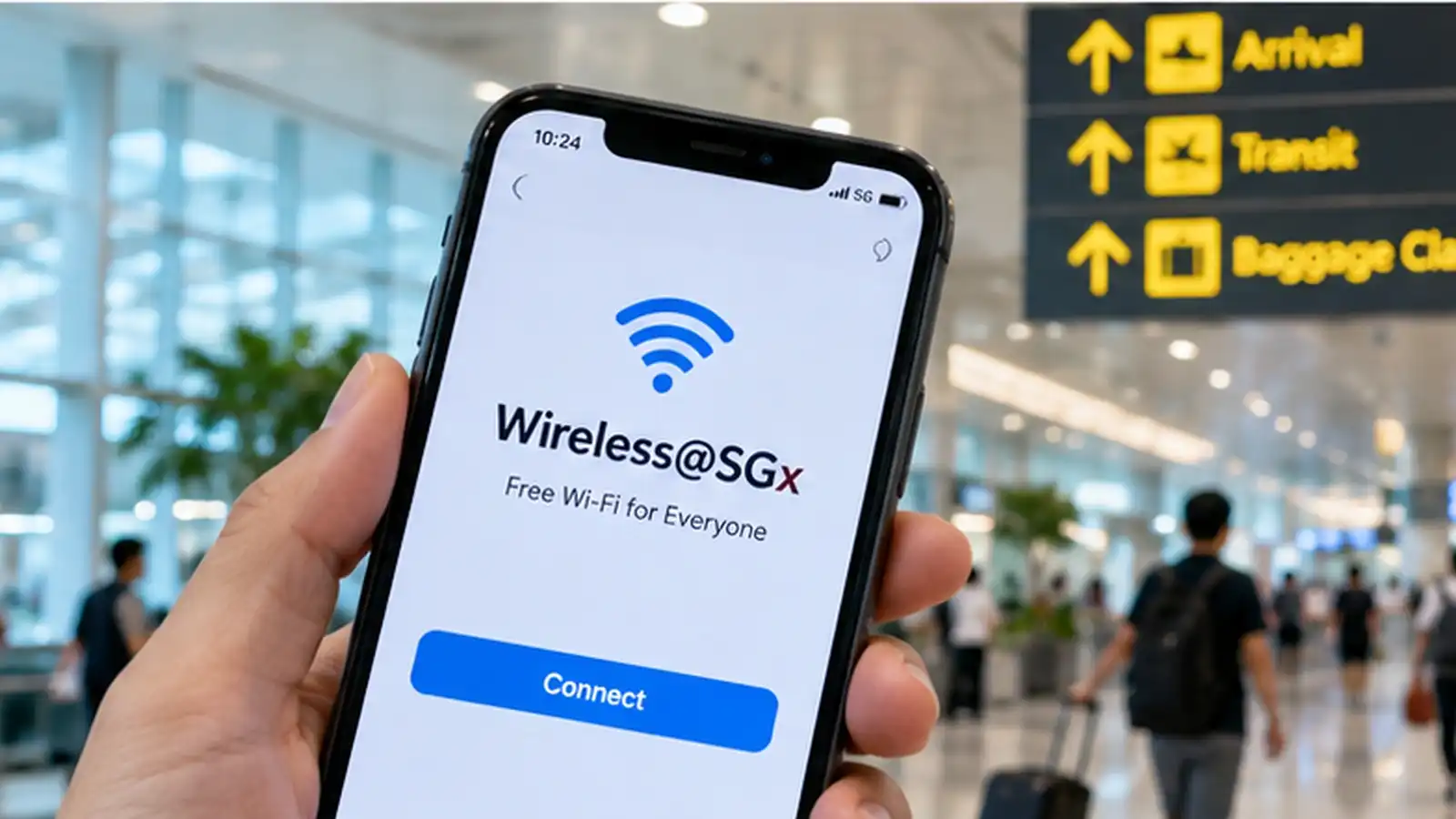
A practical Wireless@SGx guide for visitors and residents, covering setup, local-SIM and no-local-SIM options, automatic connection and public Wi-Fi safety.
- Service
- Wireless@SGx public Wi-Fi
- Cost
- Free
- Current setup portal
- IMDA Wireless@SGx setup page
- Foreign visitors
- Choose 'Device without local SIM' in the current setup flow
- Local SIM users
- Choose the local-SIM setup option where supported
- Security habit
- After setup, let the device auto-connect to the legitimate Wireless@SGx network
A practical Wireless@SGx guide for visitors and residents, covering setup, local-SIM and no-local-SIM options, automatic connection and public Wi-Fi safety.
Key Takeaways
- Use IMDA's current Wireless@SGx setup portal instead of following an old screenshot guide from a random website.
- Foreign mobile users are specifically directed to the 'Device without local SIM' flow on the current setup page.
- Once configured, your device can connect automatically at supported Wireless@SG hotspots; avoid lookalike 'free Wi-Fi' networks that are not the legitimate Wireless@SGx SSID.
What is Wireless@SGx?
Wireless@SGx is Singapore’s public Wi-Fi service designed to provide convenient internet access at supported hotspots. IMDA’s current setup portal separates users into two setup routes: devices with a local SIM and devices without a local SIM.
Foreign mobile users are specifically told to choose the Device without local SIM option.
How to set up Wireless@SGx
- Open IMDA’s current Wireless@SGx setup page.
- Select the option that matches your device: with local SIM or without local SIM.
- Follow the device-specific instructions to install or configure the profile.
- When you reach a supported hotspot, make sure Wi-Fi is enabled and allow the device to connect to Wireless@SGx.
Setup details vary by operating system, so the current IMDA flow is more reliable than an old universal checklist.
What should foreign visitors choose?
IMDA’s current Wireless@SGx page directs foreign mobile users to the Device without local SIM setup route. This is the option to use even if you still have your overseas SIM in the phone.
If you need continuous data away from public hotspots, compare this service with our Singapore Tourist SIM vs eSIM Guide.
What if you have a Singapore SIM?
Devices with a supported local SIM can use the local-SIM setup flow. IMDA’s current Android guidance shows a Wireless@SGx enterprise connection that can authenticate using the SIM after one-time configuration.
The exact menus vary by Android model and operating system, so follow the current provider/device guide rather than copying settings blindly.
Does it reconnect automatically?
After successful configuration, Wireless@SGx is designed to reconnect automatically at supported Wireless@SG hotspots. That is more convenient—and safer—than repeatedly selecting random open networks with similar names.
Public Wi-Fi safety tips
- Connect to the legitimate Wireless@SGx network after completing official setup.
- Avoid unknown hotspots that imitate a public Wi-Fi name.
- Use HTTPS websites and avoid sensitive account changes on unfamiliar public networks where possible.
- Log out of important accounts after use on shared/public connections.
- Keep your phone and browser updated.
Wireless@SGx vs tourist SIM or eSIM
Wireless@SGx is useful when you are at a participating hotspot. A tourist SIM/eSIM is better when you need uninterrupted connectivity while walking, using ride-hailing, navigating outdoors or moving between neighbourhoods.
Many visitors will use both: mobile data as the main connection and Wireless@SGx when available.
Sources
Primary sources used for this guide: